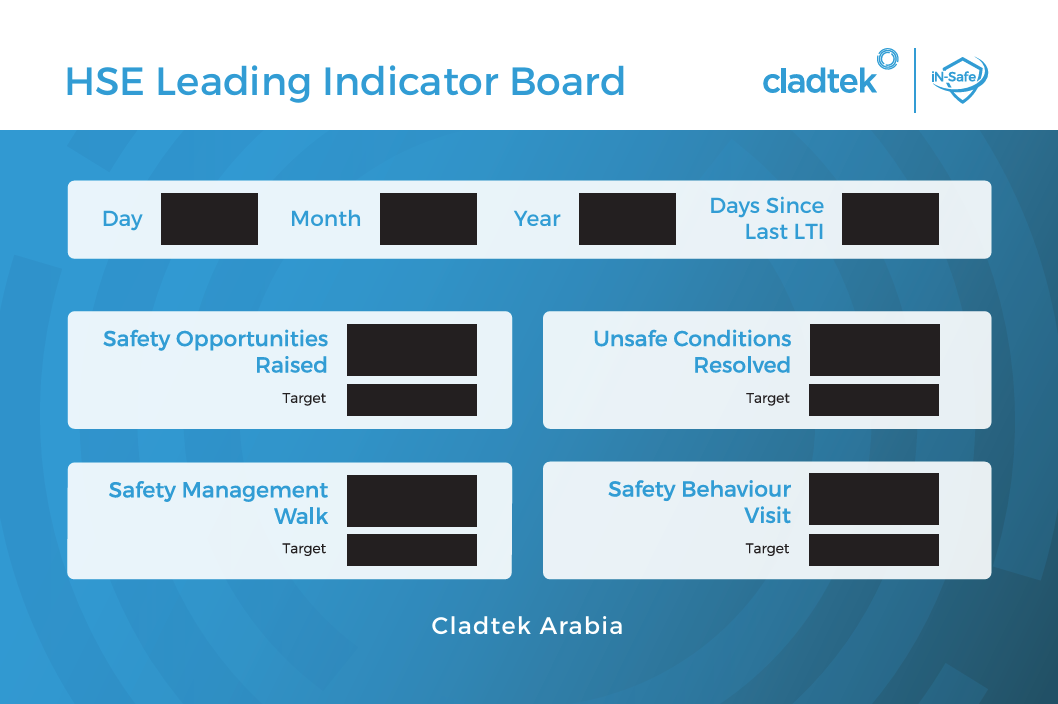
CLADTEK ARABIA
Actuals and targets do not reset automatically. On the TV, select an input and press OK to type using its keyboard.
BOARD ACCESS
Use your board account, not your Bluehost password. To display the board without giving the TV editing access, pair the TV from your phone.
ONE-TIME SETUP
Enter the private setup code supplied in your downloaded Bluehost setup guide. Choose a new administrator account for this board. No Bluehost password, Firebase account or database details are needed.
TV + PHONE
Open this address on your phone, sign in and publish changes. Both devices need internet; they do not need the same Wi-Fi.
On the TV, open the board address and select Pair this TV instead. Type its six-digit code below. Only approve a code you can see on your own TV.
Administrator sign-in is required to approve a TV.
ACCESS MANAGEMENT
OWNER RECOVERY
Use the private recovery code from your downloaded setup guide. This resets access but preserves the saved numbers and LTI date. All phones and TVs must sign in or pair again.